
Download The Spades – Spades, card game, Windows, multiplayer, contract trick-taking, strategy, fun, competitive, AI, gaming, classic, 4-player, fun game, free game, Windows Store
Overview
The Spades, developed by AI Factory Ltd., brings the enduringly popular 4-player contract trick-taking card game to the Windows Store, offering a digital adaptation of a classic pastime. Designed for players seeking a strategic, competitive experience, the app delivers a polished version of Spades with structured gameplay, performance tracking, and scalable difficulty. The game is tailored for both casual users looking for a fun way to pass time and enthusiasts who appreciate the tactical depth of contract bridge-style games.
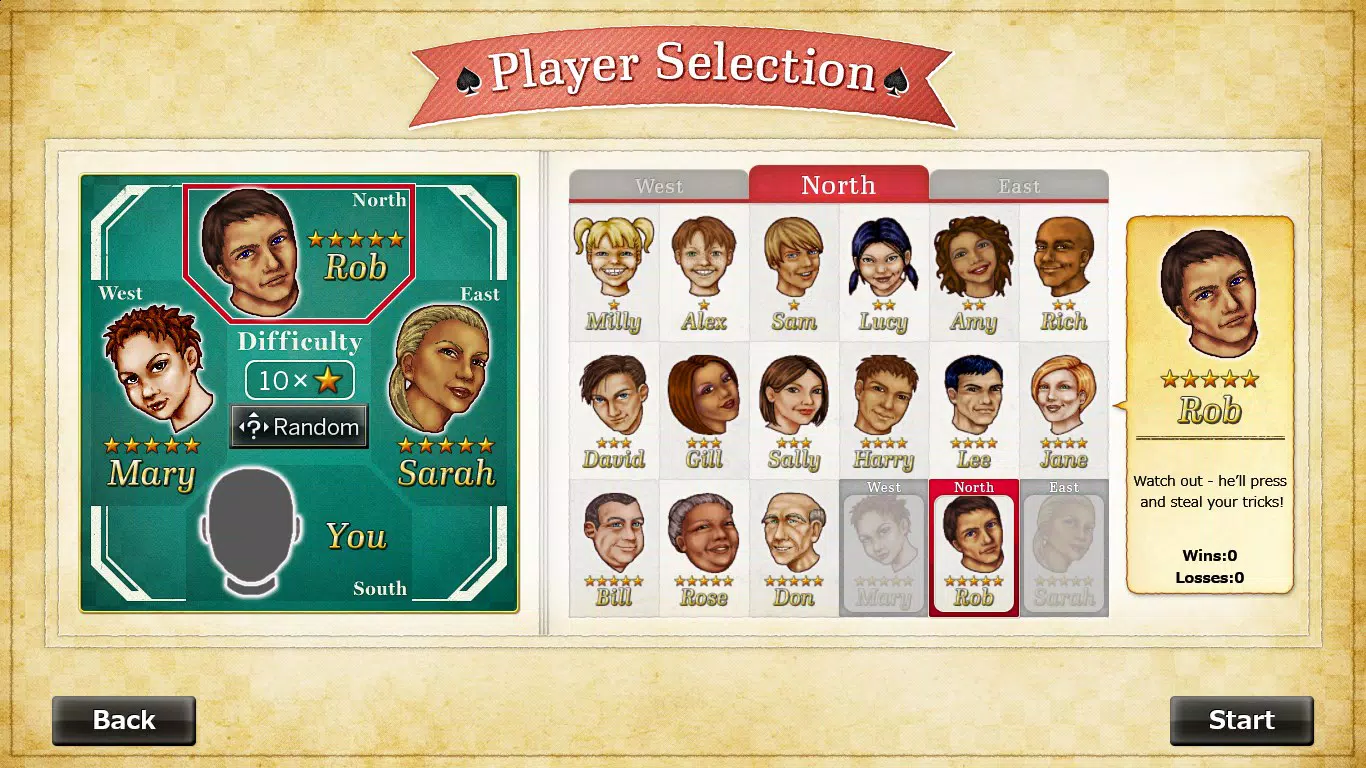
While the developer did not provide additional technical details about the app’s architecture or AI behavior, its presence on the Windows Store suggests compatibility with modern Windows devices. The game’s core purpose lies in replicating the social and strategic elements of real-life Spades, enabling solo play against 18 AI opponents across multiple difficulty levels. This makes it particularly useful for users who want to practice or improve their skills without needing human opponents.
In the broader app ecosystem, The Spades stands out as a niche yet well-executed utility within the strategy and card game category, filling a gap for classic games with minimal bloat and focused mechanics.
Key Features & Functionality
- Smooth Gameplay: The app delivers fluid mechanics that allow for quick card selection and turn transitions, maintaining the rhythm of a real-time trick-taking game. This ensures that players can focus on strategy rather than interface lag.
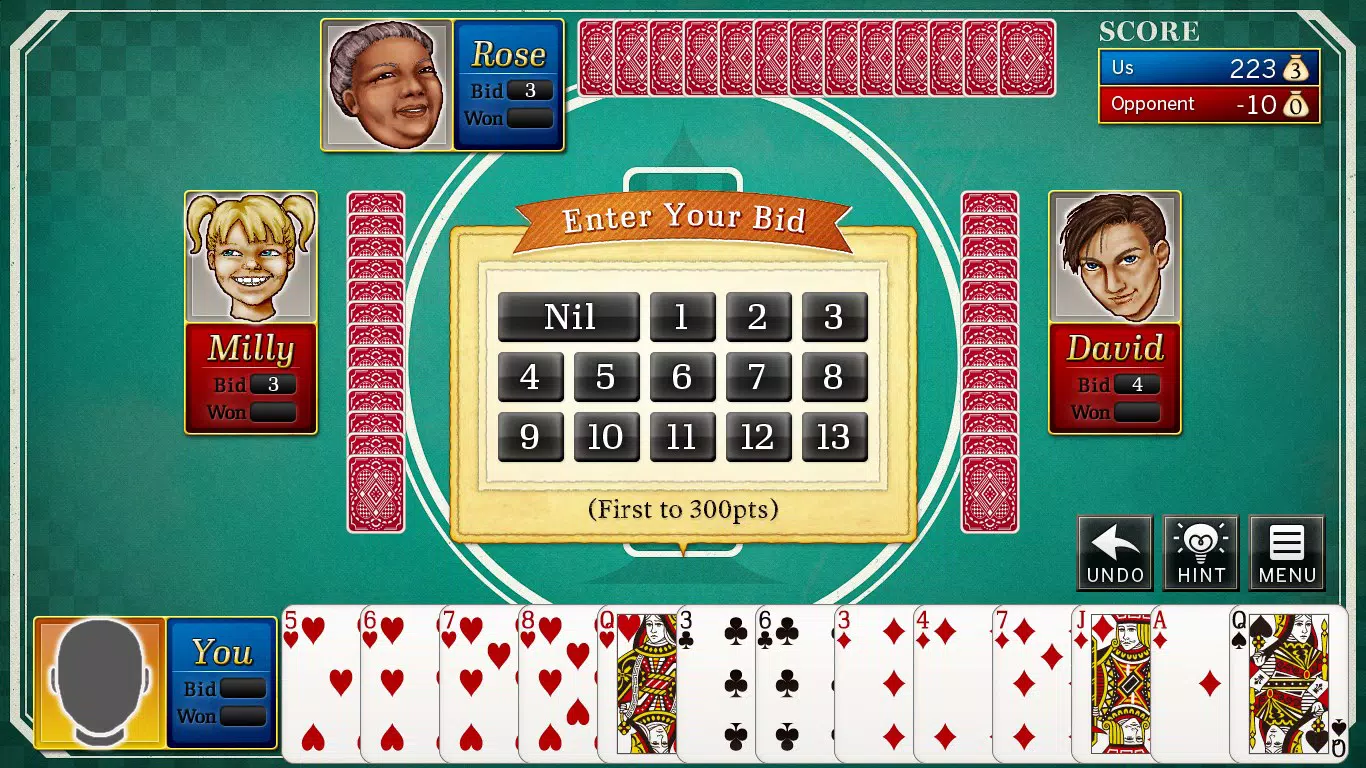
- Stylish Graphics: The visual design features clean, modern card layouts and a cohesive color scheme that enhances readability and reduces visual fatigue during extended play sessions.
- Addictive Soundtrack: Background music and subtle sound cues for card plays and trick wins contribute to an immersive atmosphere, helping sustain engagement over multiple rounds.
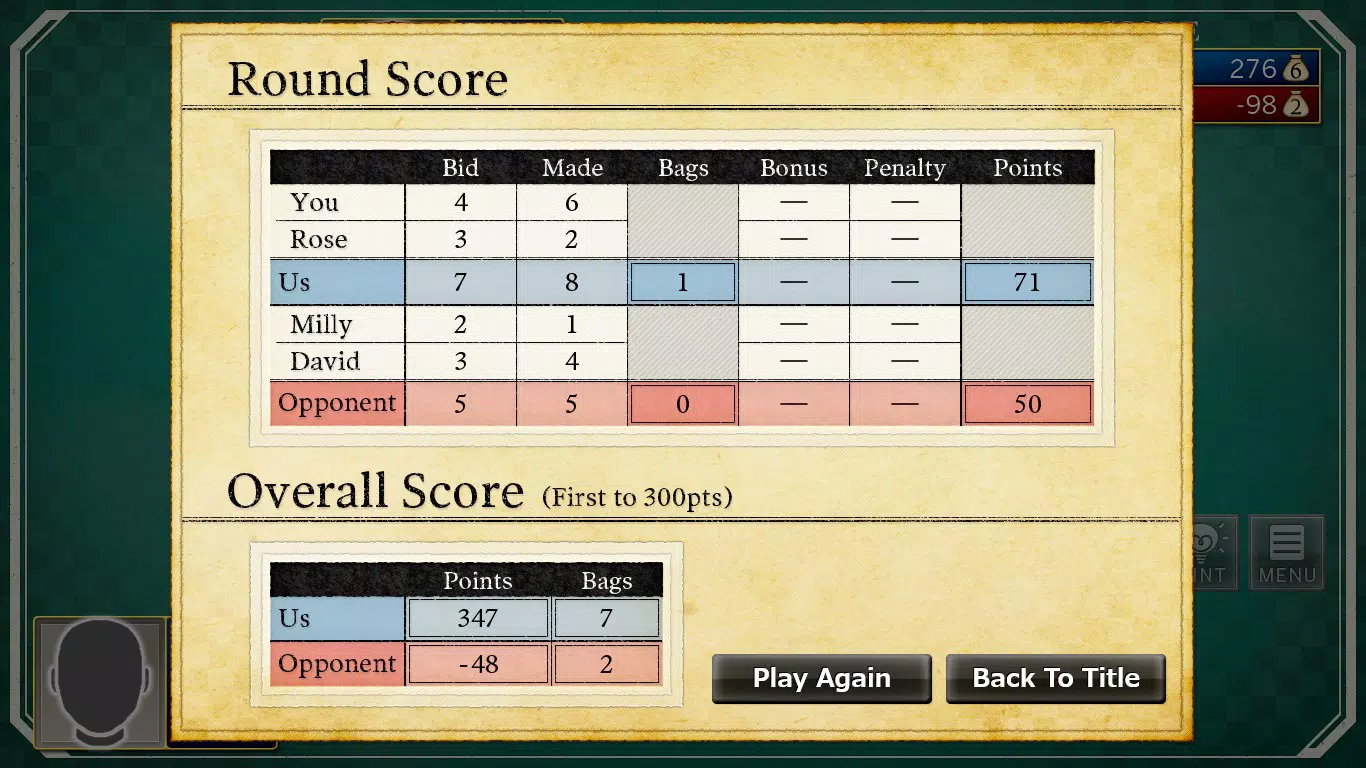
- Performance Tracking: Players can monitor their win-loss records and draw statistics per difficulty level, enabling self-assessment and progress tracking over time.
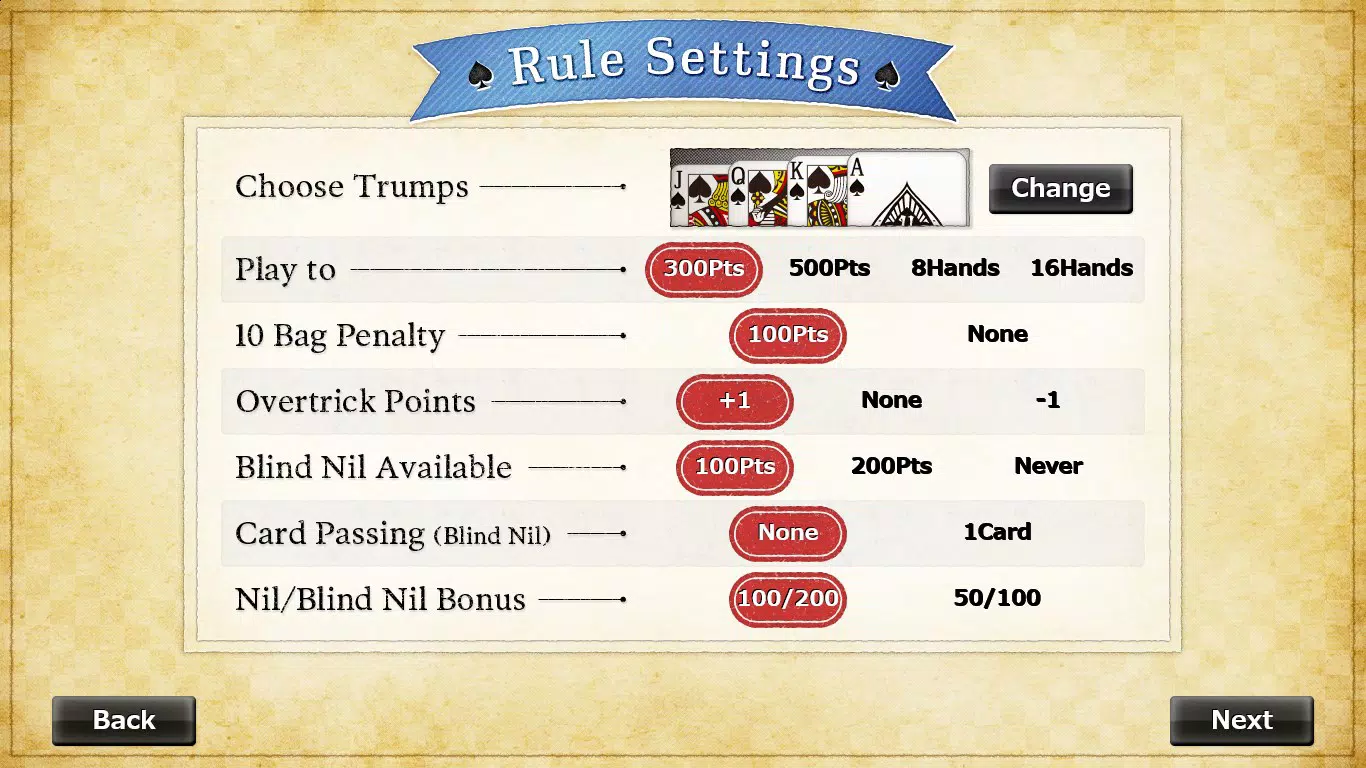
- Scalable Difficulty: With adjustable AI difficulty, the game adapts to suit beginners learning the rules and advanced players seeking a challenge, ensuring long-term replayability.
These features combine to create a balanced experience where strategy and timing are rewarded. For instance, a new player can start with the easiest AI setting to learn bid mechanics, while an experienced user might opt for the highest difficulty to test their ability to predict opponents’ moves. The game’s structure supports repeated play, making it ideal for daily practice or weekend sessions. Although the developer did not specify how the AI models are trained or how they adapt, the presence of 18 distinct CPU opponents implies varied behavior patterns, adding depth to the experience.
Interface, UX & Performance
The user interface of The Spades follows a clean, intuitive layout centered around the game table, with clearly labeled card zones and status indicators. The visual hierarchy emphasizes the active player and current trick, reducing cognitive load during fast-paced rounds. Navigation is minimal and consistent, relying on touch-friendly card selection and button placement optimized for both mouse and touch input.
The app’s responsiveness appears to be well-tuned, with minimal delay between actions and visual feedback, although the developer did not list formal performance metrics. The interface remains stable across different screen sizes, suggesting adaptability to various Windows devices. Although the developer did not specify minimum OS requirements or device categories, the app’s small file size of 3.2 MB indicates efficient resource usage, likely contributing to smooth performance even on lower-end systems.
Stability is implied through the lack of reported crashes or glitches in public records, though no official reliability data was provided. Overall, the UX prioritizes clarity and speed, aligning with the expectations of a strategy game that demands quick decision-making.
Platform Compatibility & Technical Requirements
The Spades is available exclusively on the Windows platform, as confirmed by the developer. It is compatible with Windows operating systems, though specific version details were not listed. The app has a file size of 3.2 MB, indicating a lightweight installation that requires minimal storage space.
This makes it accessible on devices with limited capacity, including older or budget Windows machines. The developer did not specify minimum OS requirements, screen resolution, or hardware specifications. As such, compatibility with specific Windows versions (e.g., Windows 10, 11) or device types (e.g., tablets, desktops) cannot be confirmed.
However, the app’s presence on the Windows Store and its low footprint suggest broad compatibility with standard Windows environments. The free pricing model further enhances accessibility, allowing users to install and play without financial commitment. No additional permissions or background services were mentioned, which may contribute to its lightweight nature and reduced system impact.
Pros and Cons
Pros
- Free to download and install, making it accessible to a wide audience.
- Compact file size (3.2 MB) ensures minimal storage usage.
- Smooth gameplay with responsive mechanics suitable for quick sessions.
- Stylish visuals that enhance clarity and user engagement.
- Performance tracking helps users monitor progress and improve skills.
Cons
- Specific OS and device compatibility details were not disclosed.
- Only 18 AI opponents are available, which may limit variety over time.
- No multiplayer functionality for human players was mentioned.
- Developer did not provide information about update frequency or future features.
- No support for customization of graphics or sound settings.
FAQ
Is The Spades available for free on Windows?
Yes, The Spades is available at no cost on the Windows Store, with no in-app purchases or subscription fees reported.
Can I play against other human players?
The app does not currently support multiplayer modes for human opponents. All gameplay is against AI-controlled opponents.
What is the file size of The Spades?
The app has a file size of 3.2 MB, making it a lightweight download suitable for devices with limited storage.
Does The Spades require an internet connection?
The developer did not specify whether an internet connection is required. However, since the app runs offline against AI opponents, it may function without connectivity.
How often is The Spades updated?
Update frequency was not disclosed by the developer. Users are advised to check the Windows Store for the latest version.
Final Thoughts
The Spades offers a refined digital experience of a beloved card game, combining classic mechanics with modern design sensibilities. Its lightweight structure, smooth gameplay, and performance tracking make it a solid choice for fans of strategy and trick-taking games on Windows. While the absence of human multiplayer and limited customization options may restrict appeal for some, the app excels as a solo practice tool and casual entertainment option.
The scalable difficulty ensures long-term engagement, and the free model enhances accessibility. For users seeking a no-frills, strategy-focused card game with a touch of elegance, The Spades delivers consistent value. Whether you're learning the rules or refining your skills, this app provides a reliable and enjoyable platform.
Download The Spades now.


